
Turn Photo into Coloring Page
Create clean, printable coloring pages from family photos, pets, portraits and favorite memories in seconds.
- Free preview
- No sign-up
- Private
Your photo is deleted as soon as your page is ready.
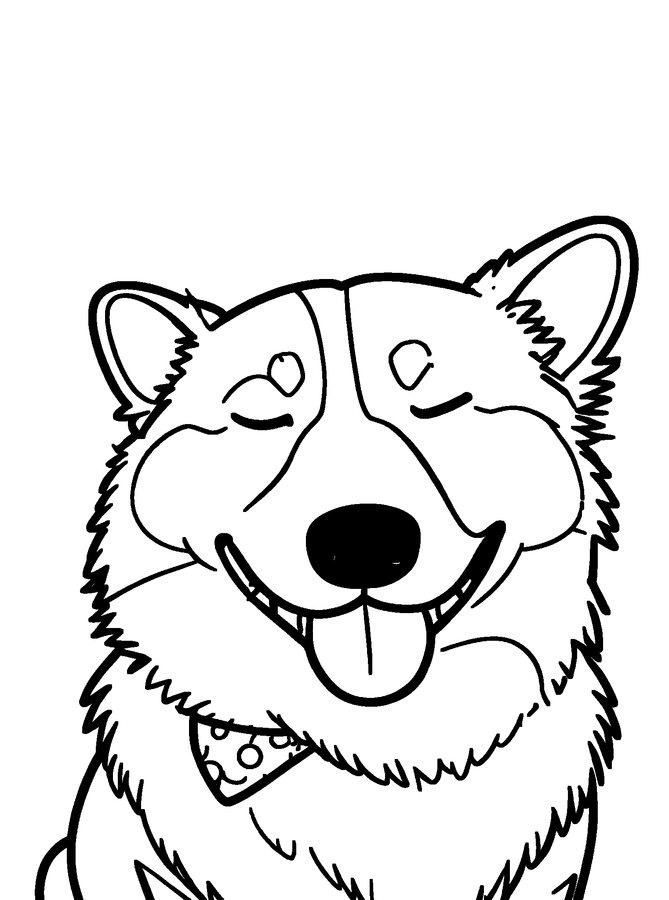
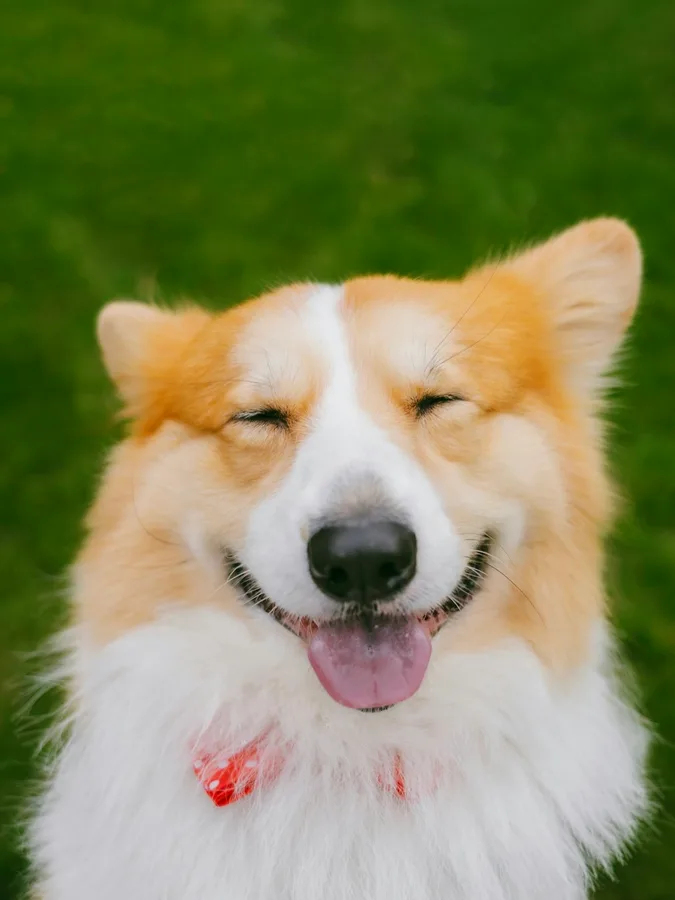 OriginalColoring Page
- No sign-up required
- 300 DPI, no watermark
- Private photos
- PNG, PDF & SVG
See What Your Photos Can Become
Turn everyday memories into coloring pages made to print, share and enjoy. Every page below was made by this converter from the photo beside it.
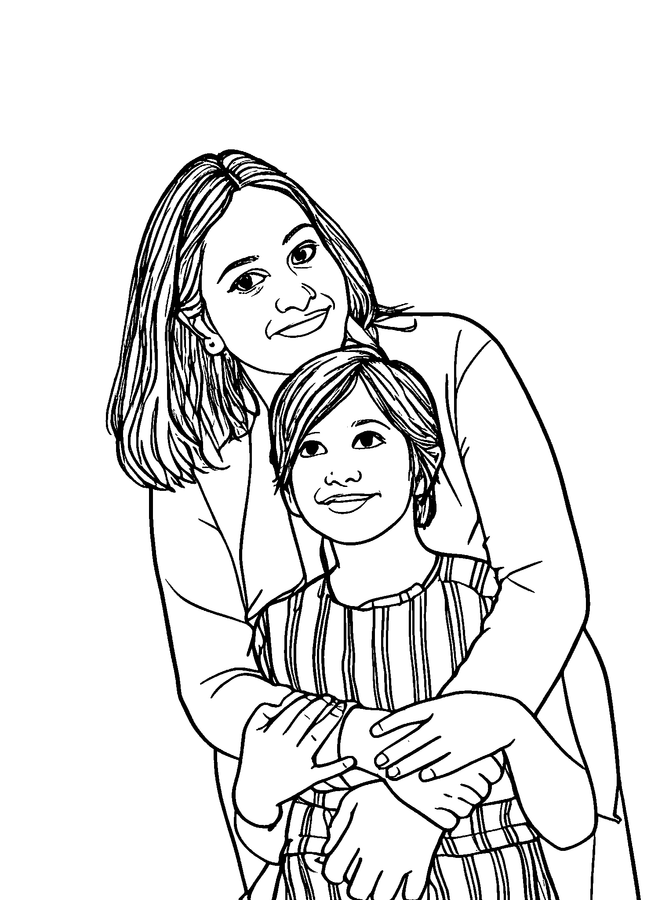
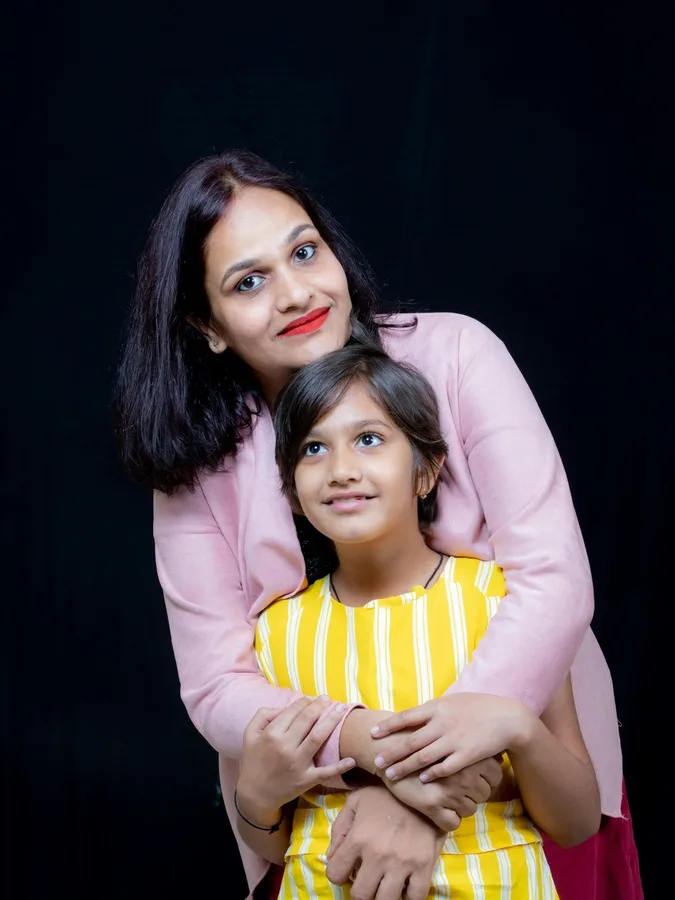 OriginalColoring Page
Family
A mom and daughter hug, ready for crayons.
Standard style · thin lines
 OriginalColoring Page
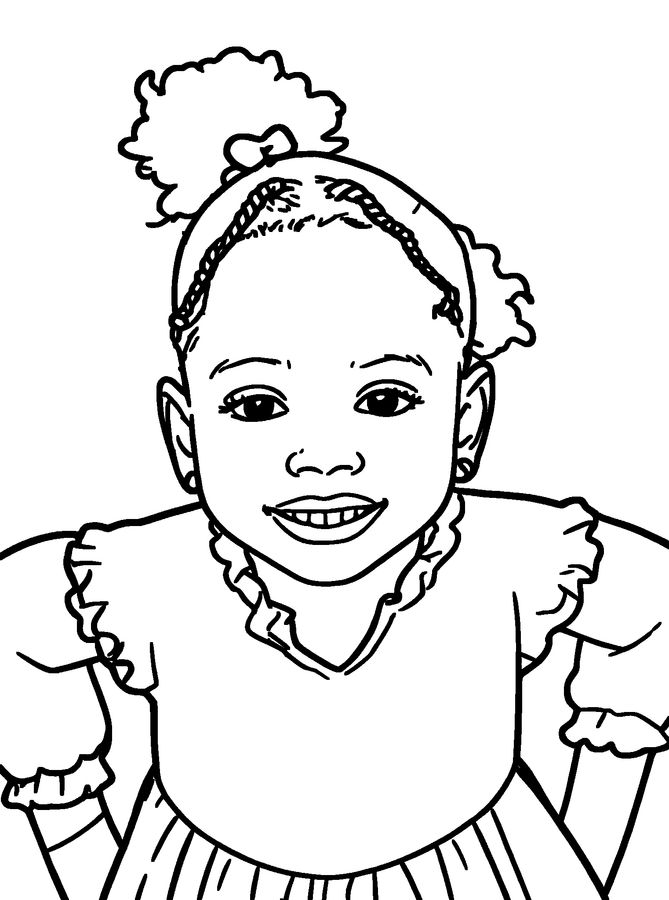
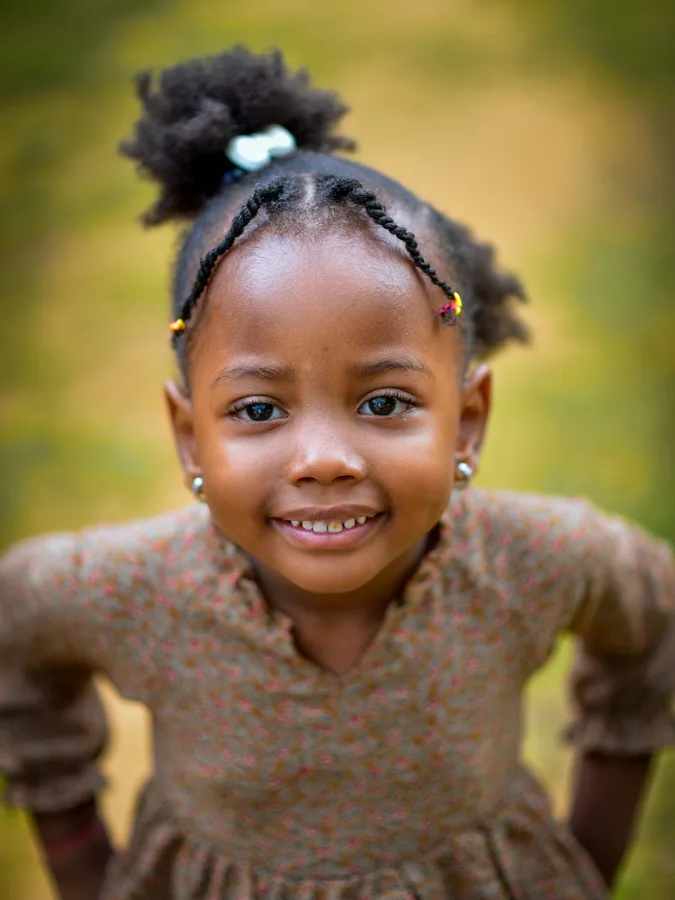
Kids
Portraits kids love to color themselves.
Standard style · medium lines
- OriginalColoring Page
Dogs
Turn pet photos into printable pages.
Standard style · medium lines
 OriginalColoring Page
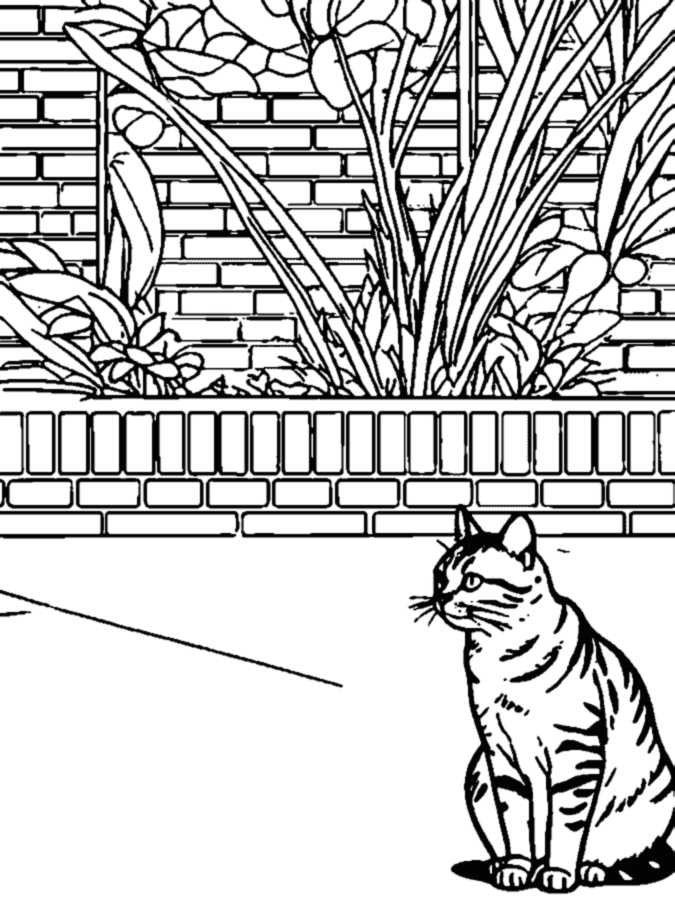
Cats
Fur and whiskers become clean outlines.
Standard style · medium lines
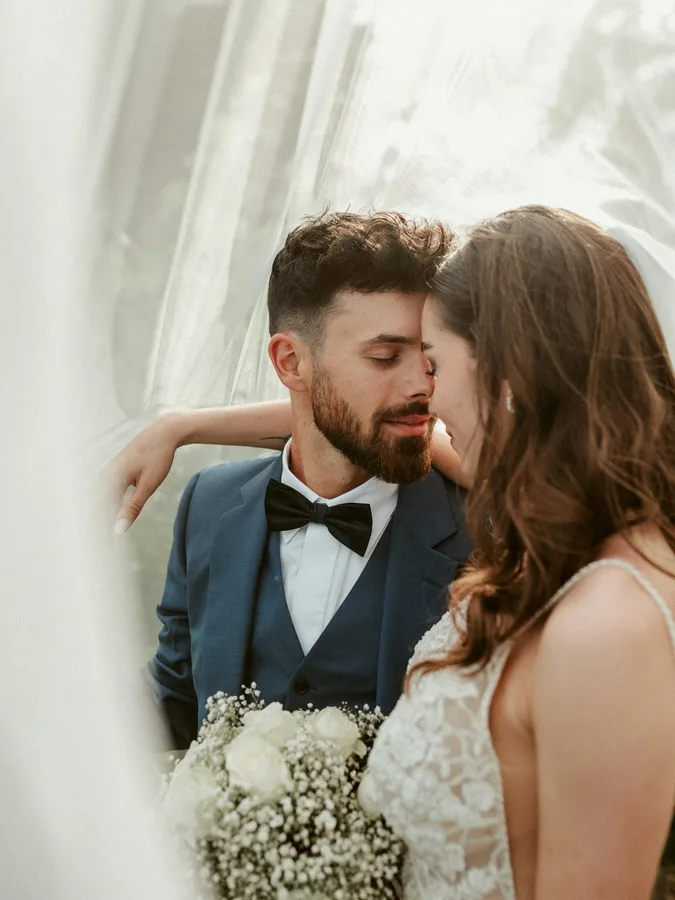 OriginalColoring Page
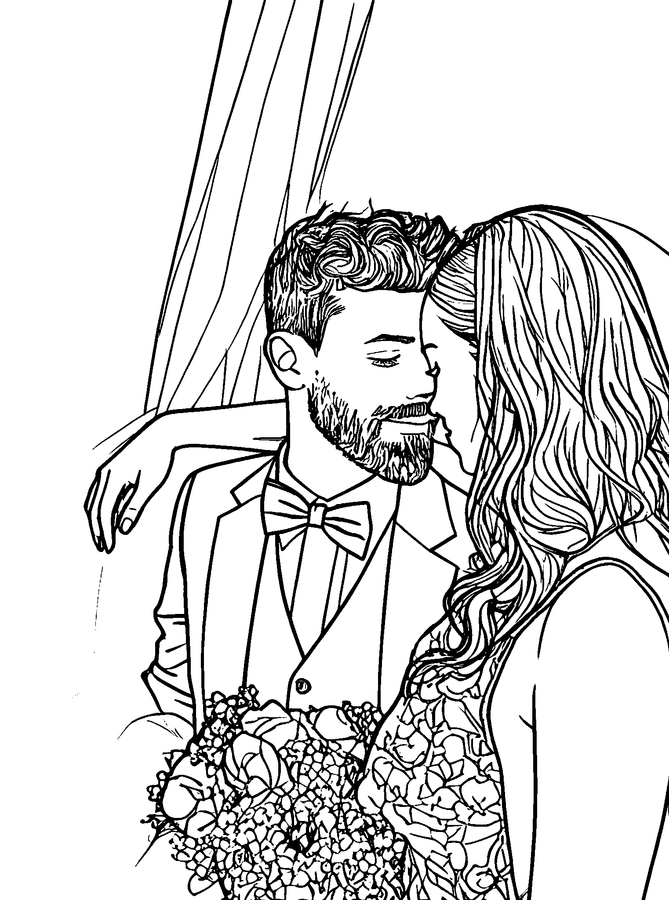
Wedding
A keepsake page from the big day.
Standard style · thin lines
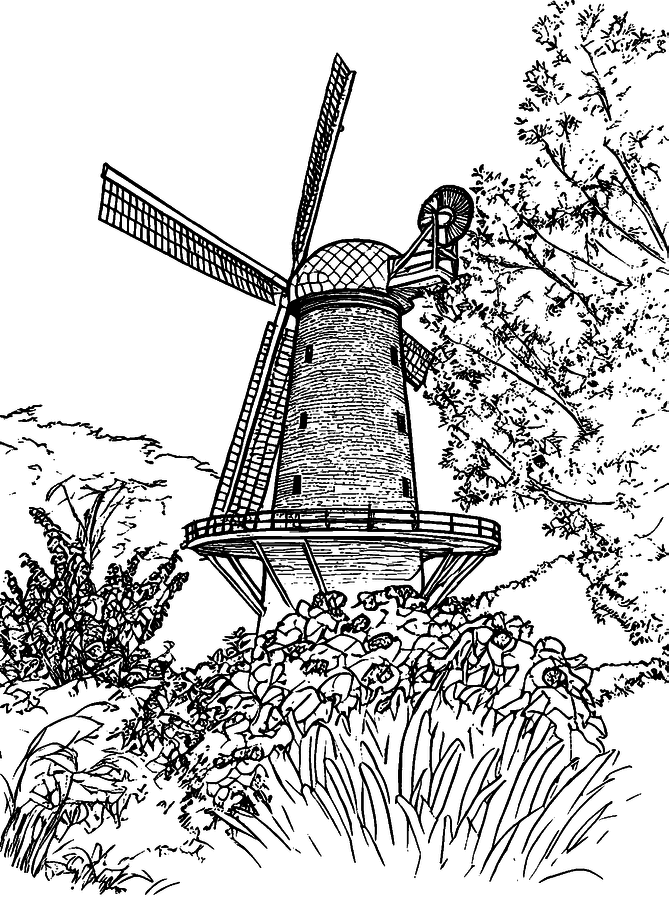
 OriginalColoring Page
Travel
Places you visited, ready to color in.
Standard style · thin lines
Coloring Book
One Photo Is Fun. A Whole Coloring Book Is Better.
Add multiple photos, arrange your pages, put your favorite photo on the cover in full color, and download one printable PDF to print at home.
- Up to 24 photos in one book
- Color photo cover and page numbers
- One PDF at US Letter or A4
Our Family
- Page 01
- Page 02
- Page 03
- Page 04
Printable PDF
Choose the Right Look
The same photo, four ways. Pick a style before you create the page, then switch the line weight for free afterwards.
Clean
The standard page with medium lines. A good fit for crayons and markers.
Standard · medium lines
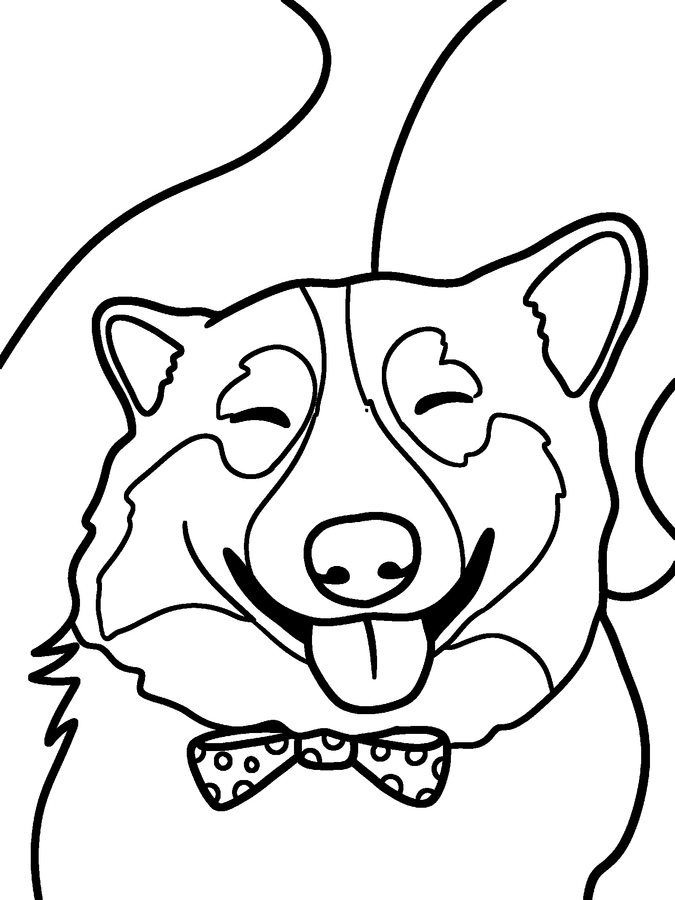
Simple
Fewer, bigger shapes with thick outlines for small hands.
Simple for kids · 2 credits
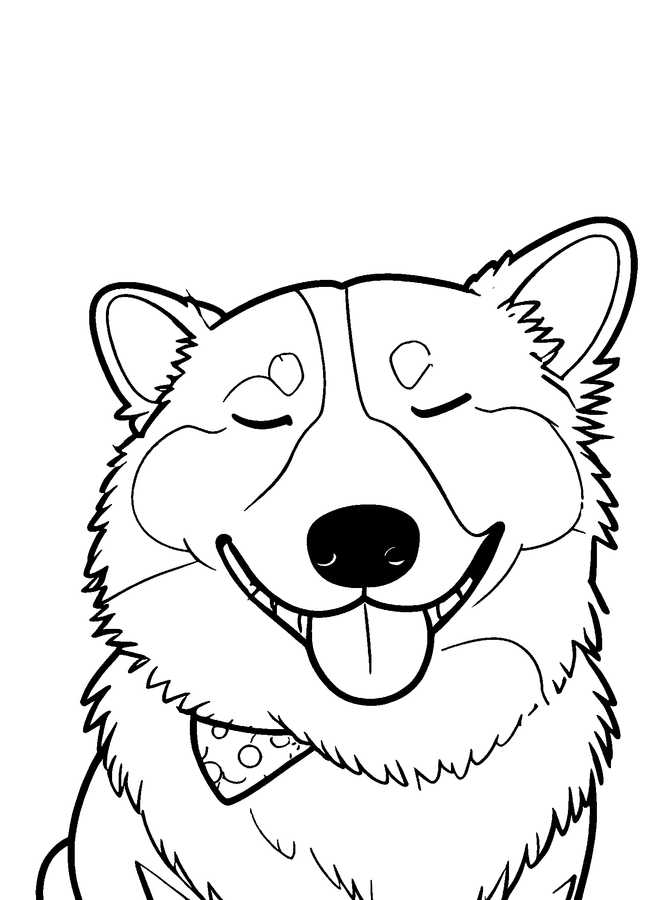
Detailed
Thin lines keep fur, hair and texture for older kids and adults.
Standard · thin lines
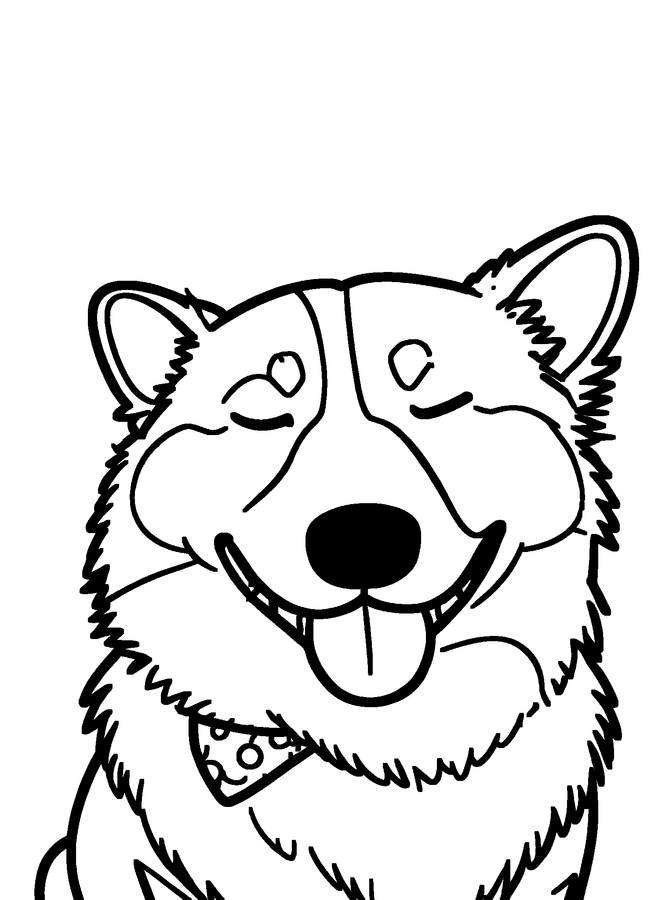
Bold
Extra-thick outlines that are easy to stay inside.
Standard · bold lines
How to Turn a Photo Into a Coloring Page
- Drop your photo
01
Upload
Choose a favorite photo. JPG, PNG, WebP and iPhone HEIC files all work.
02
Create
AI turns it into clean line art on white paper, usually in about 15 seconds.
- DownloadAdd to Book
03
Download
Save your coloring page as a PDF, PNG or SVG, or add it to a book.
Made From the Photos You Already Love
Family Memories
Grandparents, siblings and holidays, redrawn for the fridge.
Kids
Children color themselves, their friends and their first day of school.
Pets
The dog asleep on the couch becomes a rainy-day activity.
Wedding
Pages for the kids table or a personal thank-you card.

Birthday
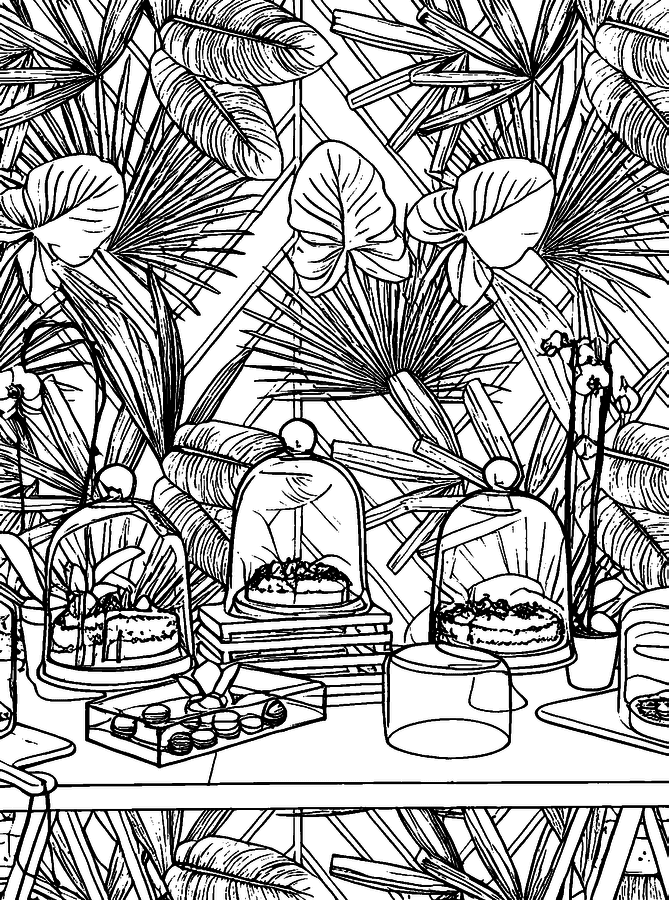
Party photos turned into take-home pages for every guest.
Travel
Landmarks from your trip, ready for a travel journal.
Ready to Print
- PNG
- SVG
- US Letter
- A4
- 300 DPI
Every download is laid out on a real sheet of paper at 300 DPI with half-inch margins: 2550 x 3300 pixels for US Letter and 2480 x 3508 pixels for A4. Print the PDF at 100% scale and the lines stay sharp.
The PNG is the same page as an image. The SVG is a vector file for cutting machines and editing apps.
Your Photos Are Yours
Family and children's photos deserve care. Here is what happens to yours.
Private storage
Photos and pages are stored privately and shown only to the account or browser that created them.
No public gallery
Nothing you upload is published, shared or shown to other visitors.
Not used to train AI
We never use your photos to train AI models.
Photos deleted right away
Your original photo is deleted as soon as your page is ready. Delete finished pages anytime under My pages.
Read the privacy policy.
Photo to Coloring Page, Explained
What a photo coloring page is
A photo coloring page keeps the people, pets and places from your picture and redraws them as outlines. Every shape stays white inside, so kids and adults can fill it in with crayons, markers or colored pencils. It is the same idea as a store-bought coloring book, except the pictures are yours. When you turn a photo into a coloring page here, you get one clean black and white page you can print right away.
Turn an image into a coloring page online
It does not have to be a camera photo. Screenshots, scanned drawings and saved pictures work the same way. For plain outlines to trace, embroider or cut, use the photo to outline converter; for shaded art, try picture to drawing.
Tips for photos that make good coloring pages
The cleanest pages come from photos with one clear subject, even daylight and a background that is not too busy. Crop to the part you care about before uploading. If a page is too detailed for young kids, try the Simple style or the bold line weight.
Coloring pages from photos, many at once
Making pages for a whole album? Create a coloring book from your photos and download every page, with a color photo cover, as one PDF.
Questions About Photo Coloring Pages
How do I turn photo into coloring page online?
Upload a photo at the top of this page, pick Standard or Simple, and press Create coloring page. Most pages are ready in about 15 seconds. Then choose thin, medium or bold lines and download your page.
Is Photo Color Book free?
Your first page is free without an account. Create a free account and you get 3 more pages. After that, pages use credits from a one-time credit pack; there is no subscription. See pricing.
What photos work best?
Photos with one clear subject, good light and a simple background. Close-ups of faces and pets work better than wide shots of a crowd.
Can I create a coloring book from multiple photos?
Yes. The coloring book maker takes up to 24 photos, puts your favorite one on a full-color cover with your title, numbers the pages, and gives you one printable PDF. Each page uses one credit, and you need a free account.
Can I download a printable PDF?
Yes. Every page downloads as a 300 DPI PDF at US Letter or A4, and you can also save a PNG or an SVG vector file.
Are my photos private?
Yes. Your original photo is deleted as soon as your page is ready. Finished pages are stored privately, shown only to the account or browser that created them, never published in a gallery and never used by us to train AI. You can delete any page under My pages.
What image formats are supported?
JPG, PNG, WebP and HEIC, so iPhone photos work as they are. There is no app to install; the converter runs in the browser on phones, tablets and computers.
How is this different from making a coloring page with Canva or ChatGPT?
General design tools and chatbots can draw an outline, but you still have to size it for paper and clean up gray areas yourself. Here the result is pure black and white, laid out on a Letter or A4 page at 300 DPI, with line weights you can switch for free.
Can I print the coloring page right away?
Yes. Press Print on the finished page to send it straight to your printer, or download the PDF and print it at 100% scale. Pages have half-inch margins, so nothing is cut off on Letter or A4 paper.
What is the difference between Standard and Simple for Kids?
Standard keeps more detail from the photo and suits older kids and adults; it uses 1 credit. Simple for Kids draws fewer, bolder shapes that are easier for young children to color, keeps faces recognizable, and uses 2 credits.
Turn Your Favorite Photo Into a Coloring Page
Upload a photo and see your first coloring page in seconds.
Upload a Photo